Drama / show cast template
Centers on a show's cast, mapping alliances, conflict, and family ties.
 Use this template
Pick, edit, export
Choose a template for a cast of characters, a family tree, a TRPG party, or a work team, then edit it right in your browser.
We keep the list to 4–6 templates on purpose, prioritizing quick recognition and a fast start over an overwhelming catalog. Pick the closest match and adjust it, rather than hunting through dozens of options. If your goal is to compare clusters, factions, or family branches, choose a starting layout here and follow the relationship map maker workflow.
Centers on a show's cast, mapping alliances, conflict, and family ties.
Use this template
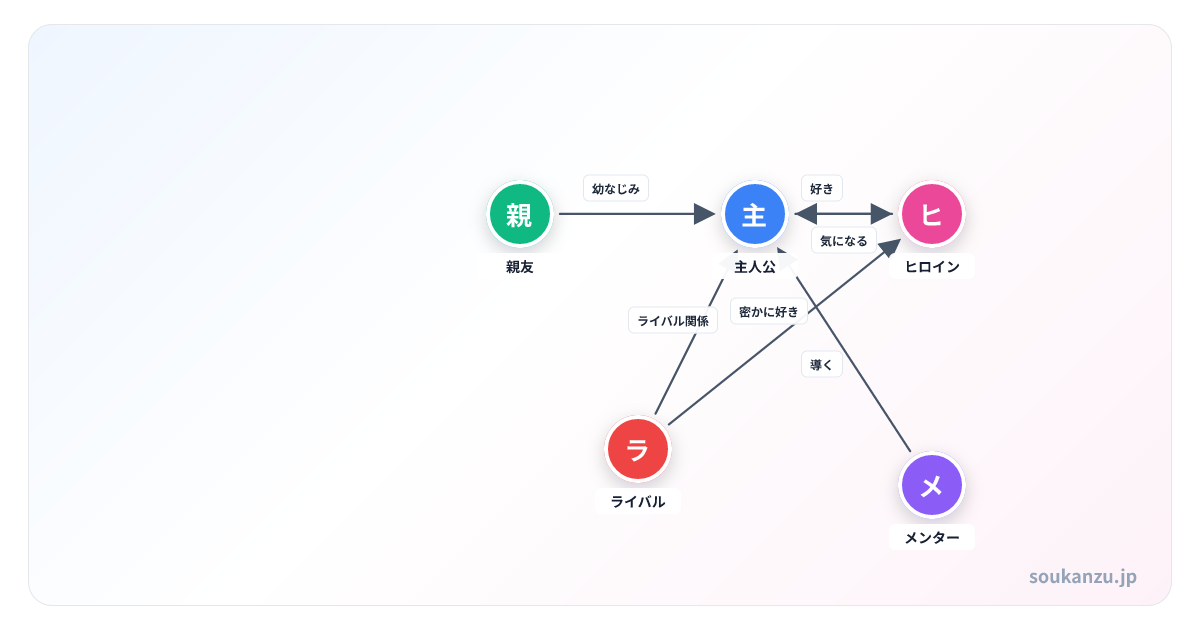
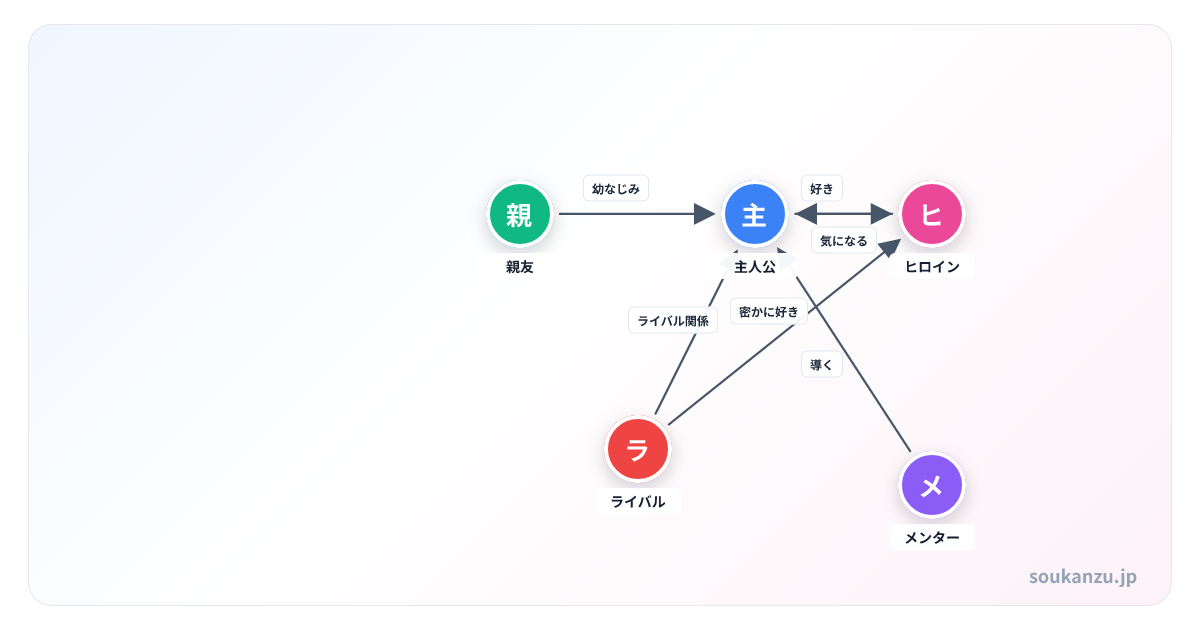
Maps a protagonist, ally, rival, and romantic interest for original characters.
 Use this template
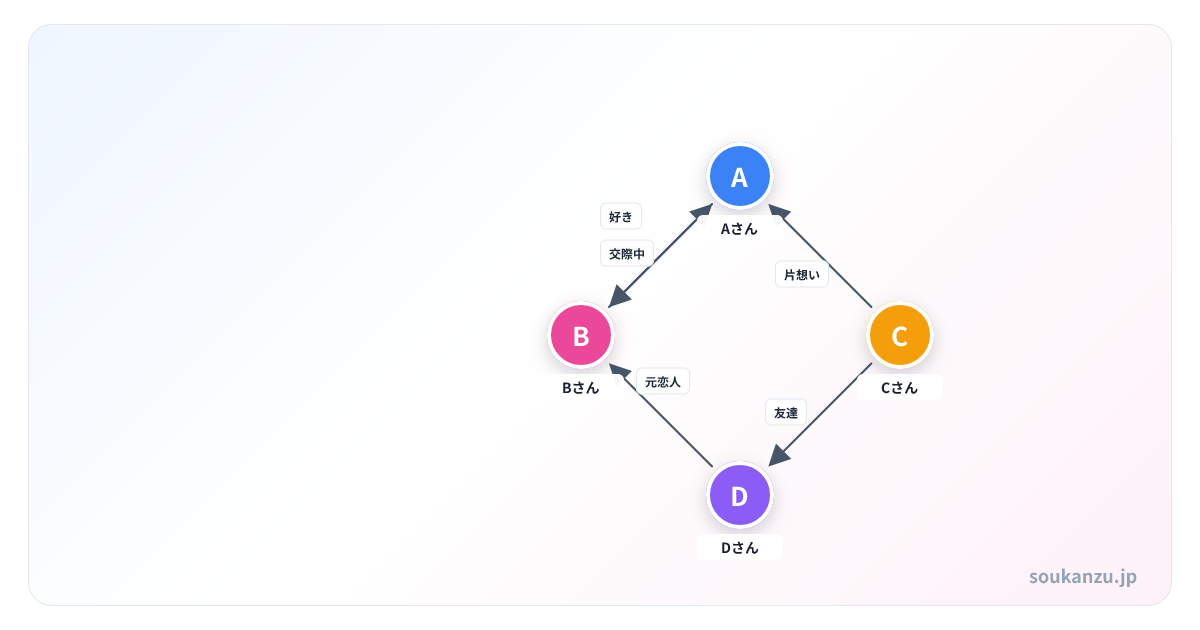
Organizes PCs, NPCs, and factions so they're easy to share before and after a session.
 Use this template
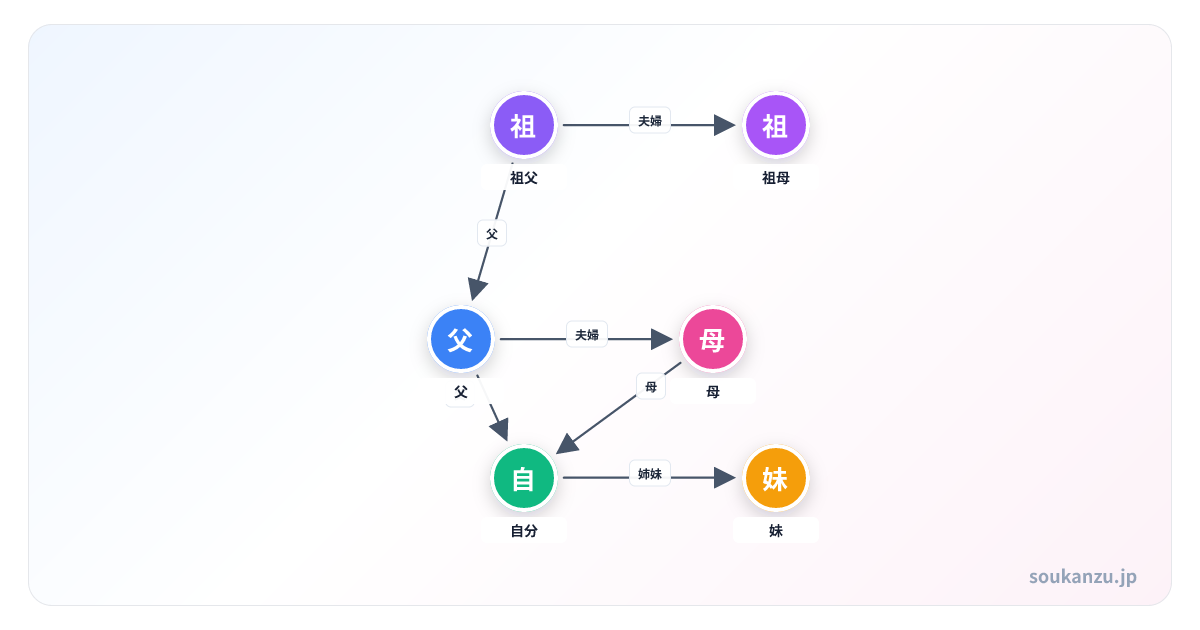
Lays out family and extended relatives in a clear, readable chart.
 Use this template
Maps roles, collaboration, and reporting lines for a work team or project.
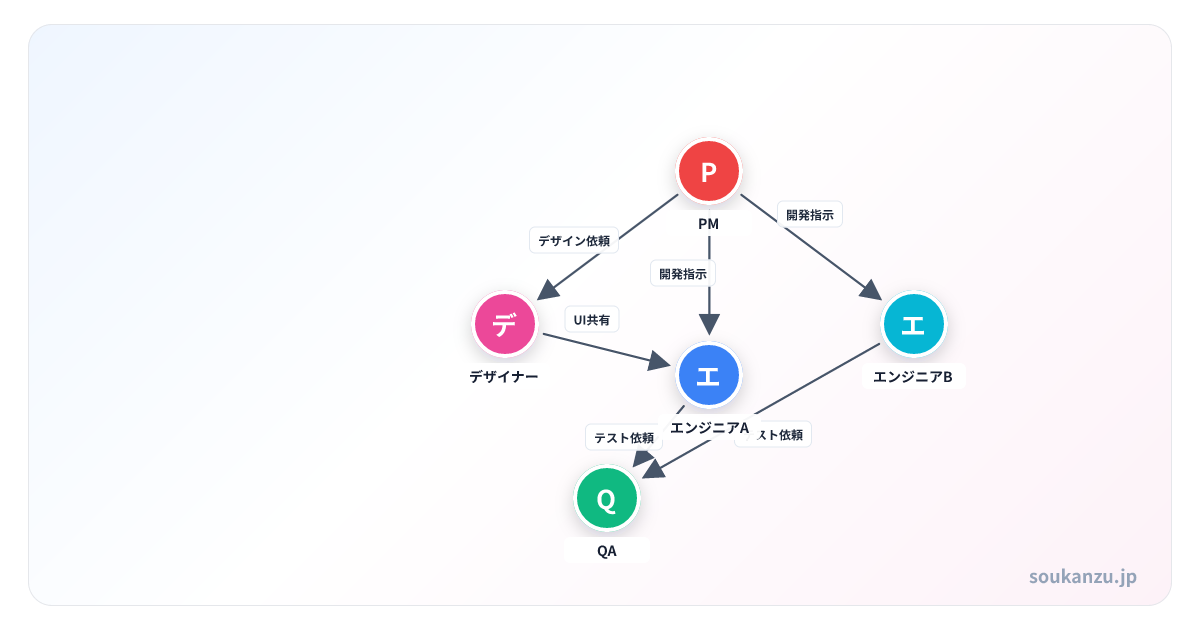 Use this template
An editable 12-character ensemble with suspects, witnesses, investigators, relatives, and hidden connections.
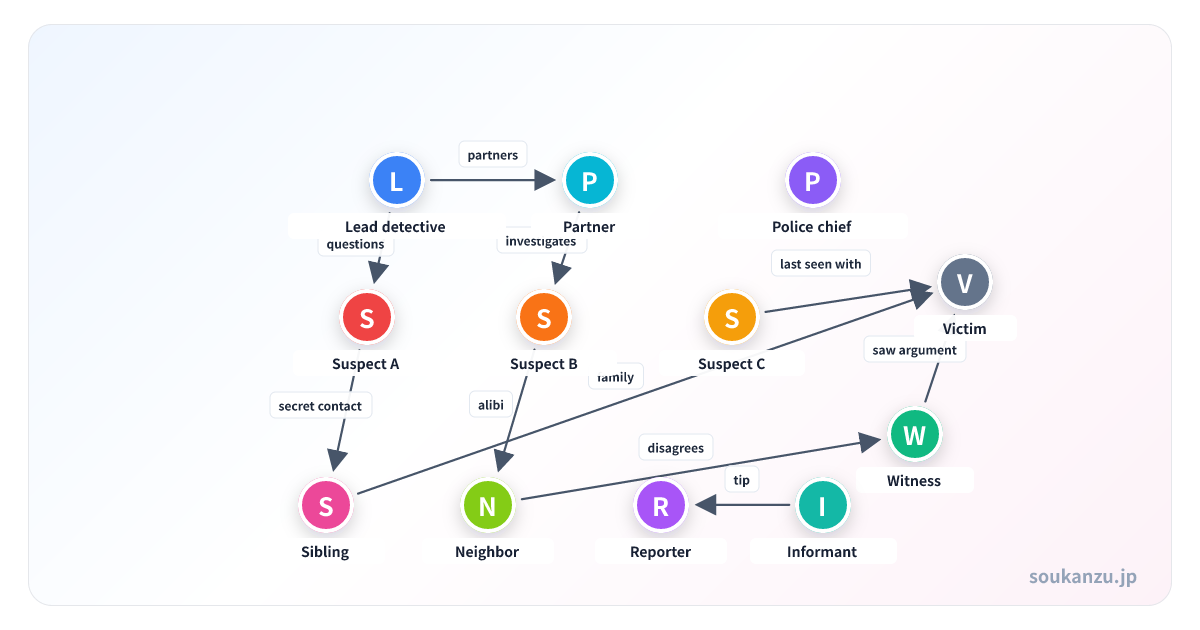 Use this 12-person template
If you're not sure which template fits, here's a quick guide by use case, plus the first edit you should make after picking one.
Rename the lead first, then remove anyone who hasn't appeared yet in the episodes you've watched — it's a better spoiler-safety habit than adding everyone up front and deleting later. Color-code by household or workplace.
Set the protagonist-vs-rival conflict line first, then build supporting characters outward from it so the story keeps a clear spine. Put the current relationship on the line label and save planned changes for notes.
Start by color-coding PCs versus NPCs. For a player-facing copy, duplicate the chart and remove any "secret" lines that would spoil the session.
Place older generations toward the top, keep marriage lines horizontal and parent-child lines vertical, and label exact relations (uncle, cousin) if the chart is for a family discussion.
Keep titles in the notes and use line labels like "decision maker," "go-to contact," or "reports to" — that surfaces the real working dynamics an org chart hides.
Starting from a template gives you a working layout from the first click — a lead in the center, supporting people around them, relationship lines already modeled. The trade-off: if you leave unused people or relationships in place, characters that don't exist in your story end up in the chart. The first edit worth making is always deleting anyone you don't need.
Every template on this site is free, including for commercial use and social posts. You keep the copyright on anything you create (see our Terms of Service).
If you already have a synopsis, character notes, or meeting minutes, the AI diagram generator can draft a chart from that text, which is often faster than starting from a template.
Generate from text with AIYes — you can skip templates entirely and add people to a blank chart.
We add templates based on search demand and usage, one use case at a time.
Family trees are covered by the family template on this page; see our blog for a deeper family-tree walkthrough.
Yes. Charts you create can be used freely in doujinshi, streams, business materials, and more.
Everything autosaves to your browser's local storage. Reopen it on the same device and browser to keep editing.
PNG export is free (HD quality, with a watermark). Watermark-free and PDF/SVG export are available with Premium ($4.99/month).